Connecting Medix to your OR video feed
Once you have setup MediX on your device (or have gotten a “Capture Bundle” from Instrumentor), you can easily connect it with any OR equipment that produces a video feed you wish to record. You will need following cables, adapters …
- HDMI Capture card (required): A HDMI Capture card allows you to connect the HDMI feed to your Android device using the USB-C port on your Android device.
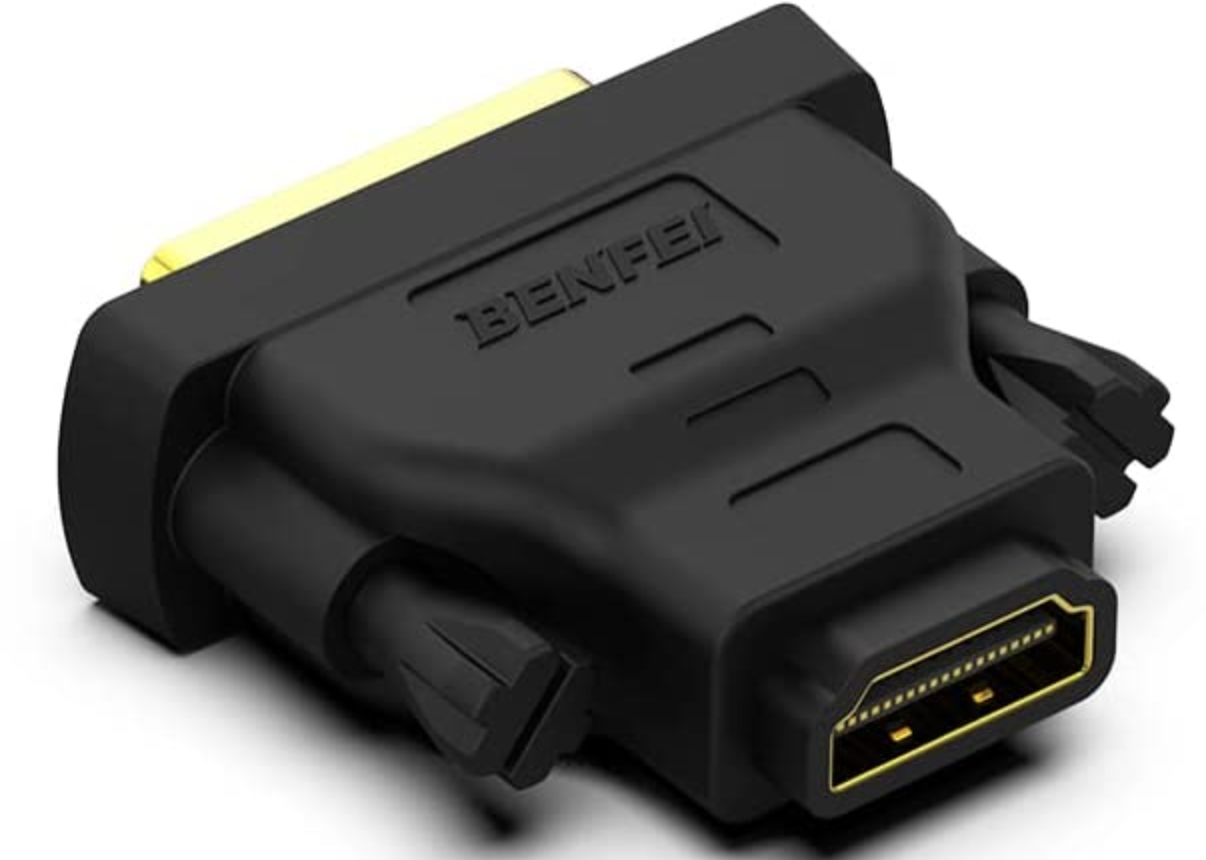
- DVI to HDMI Adapter (optional): Most OR devices has a DVI out pin. A DVI to HDMI Adapter conerts the video signal to HDMI that you can connect to HDMI Capture Card
- HDMI Cable: A HDMI (required): Cable allows you to connect HDMI Capture Card with the video source.
Steps
Locate “Video-Out” on your OR Equipment
Most OR equipment will have an output port for video signals. You can locate the “Video Out” on the back panel of your equipment. Many modern screens/monitors also allow you to “mirror” the display. “DVI-out” & HDMI Out are the most common video output ports. They respectively look like …
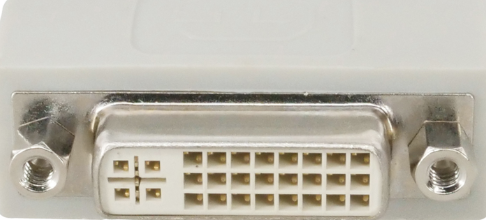
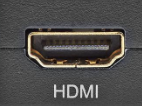
If your OR equipment has HDMI out, you don’t need any adapter.
Connect HDMI Cable to “Video-Out” with appropriate adapter
- If your equipment has DVI Out, use the DVI to HDMI adapter (we have provided one in your “Capture Bundle”) to attach to the DVI output port. – OR – If your equipment has HDMI Out, connect the HDMI Cable provided to HDMI Out port
- If use adapter, connect the HDMI Cable to other end of adapter
Connect HDMI Capture Card to Tablet
Connect the USB-C end of HDMI Capture card to your tablet. Android will ask you if you want to launch MediX everytime you connect a USB enabled video source (USB3 Video) to the deivce. We recommend selecting the “Always” option. The dialog looks as follows…
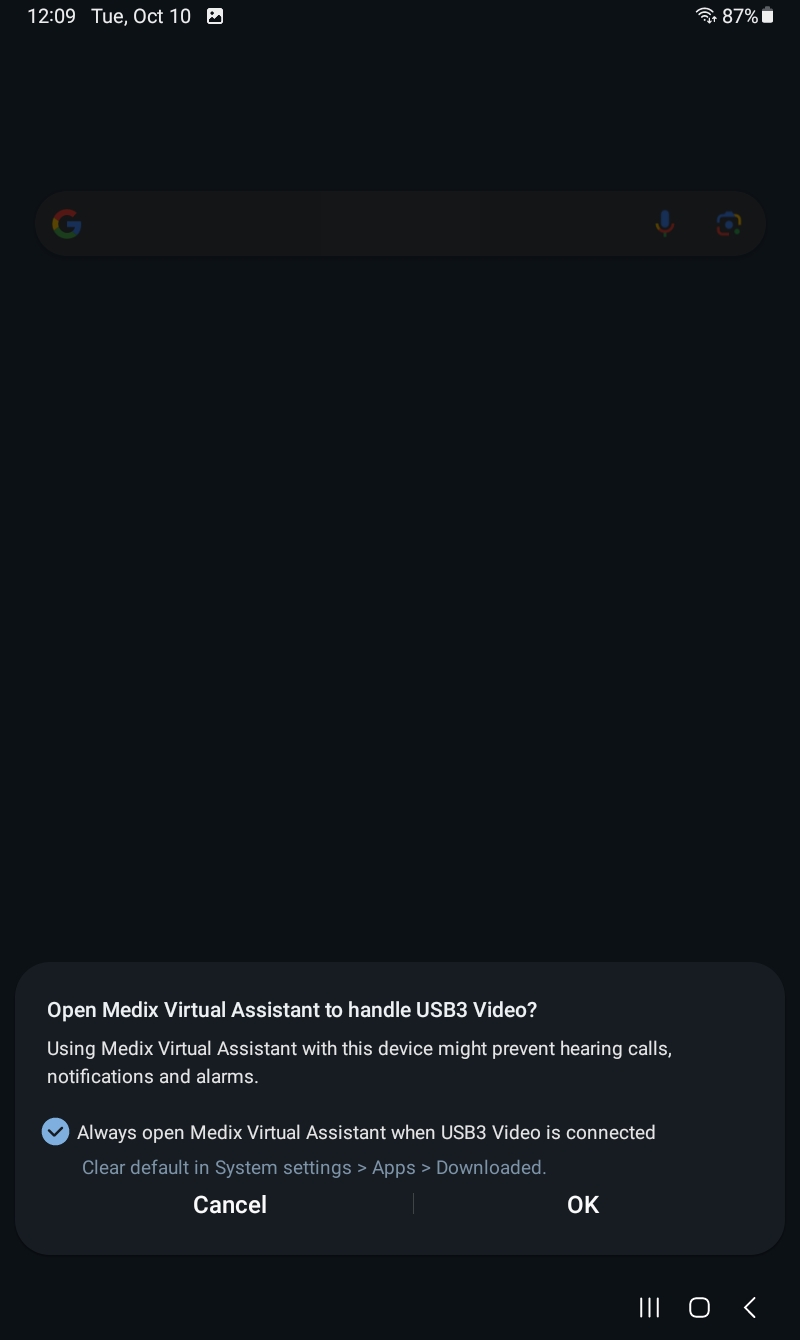
Once you allow, Android will automatically launch MediX everytime you connect the HDMI Capture Card.
Connect HDMI cable to Capture Card
Connect the HDMI Cable to one end of HDMI Capture card. The other end should be connected to video source via DVI to HDMI Adapter (if you need one) OR directly to HDMI Out from your OR equipment.
Your setup is now complete, you can login to MediX and start record cases, using just your voice!